 Fjernbetjening
LG TV remote not working: what to do
Put in fresh batteries first. Then pair the Magic Remote again: turn on the TV, wait about 20 seconds, point the remote at the TV and press the Wheel (OK). If that doesn't do it, hold Home and Back together for 5 seconds until the light blinks three times, then press the Wheel (OK) once more.
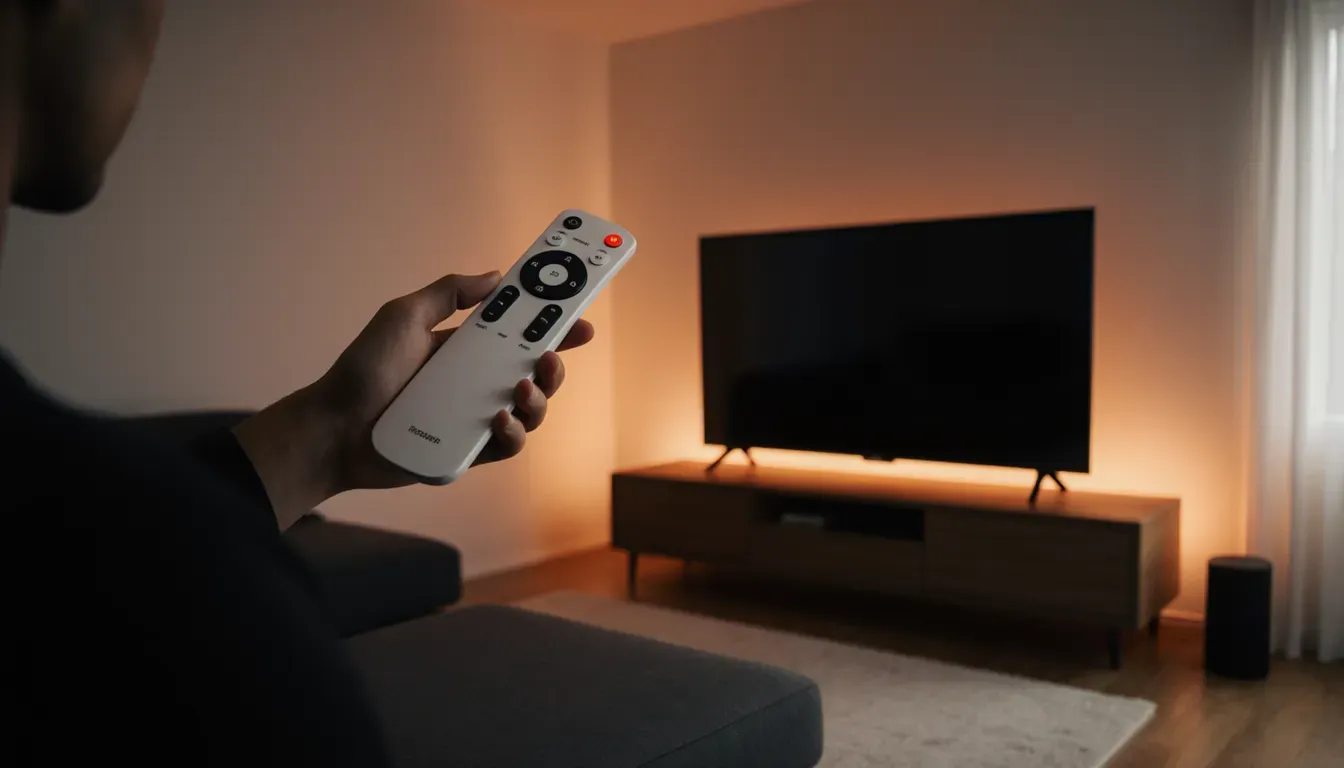
Five checks, in this order
- 1BatteriesFresh alkaline AA or AAA, both at once.
- 2Pair againWait 20 seconds after turning on, then press the Wheel (OK).
- 3ResetHome + Back for 5 seconds, then the Wheel (OK).
- 4No pointerShake the remote or turn the wheel. Audio Guidance off.
- 5Restart the TVUnplug for a few minutes, clear the sensor, move the router.
The Magic Remote talks to the TV over Bluetooth, so it can lose the connection, for example after a power cut. A standard LG remote, without the wheel, uses plain infrared and never needs pairing.
1. Batteries
Depending on the model, LG's remotes take AA or AAA batteries. LG recommends alkaline. Replace both at once, and don't mix an old one with a new one.
When the batteries run low, the TV shows a message asking you to change them, and the remote can start to act up before it stops completely. If the light on the remote doesn't come on when you press a button, the batteries are the first suspect.
2. Pair the Magic Remote again
- Turn on the TV and wait about 20 seconds.
- Point the remote at the TV, from within about 10 metres and with nothing in between.
- Press the Wheel (OK). The TV says when the remote is paired.
If it doesn't pair, turn the TV off and on and try again. Older Magic Remotes with a GUIDE button (2020 and earlier) pair again when you hold GUIDE for about 5 seconds. LG's pairing guide
3. Reset the remote
Hold Home and Back together for 5 seconds. When the light on the remote blinks three times, the old pairing is gone. Then point the remote at the TV and press the Wheel (OK) to pair it again.
On remotes from 2021 and newer, the manual also lists Home and Settings held for 5 seconds, which removes the old pairing and starts a new one in one go. LG says the method differs by remote model, so the manual for yours has the final word.
4. No pointer on the screen
- Shake the remote gently from side to side, or turn the wheel, while you point it at the TV. Pressing the arrow buttons hides the pointer on purpose.
- If it still doesn't show, check that Audio Guidance is off: Settings › All Settings › General › Accessibility › Audio Guidance. With it on, the pointer is hidden.
- Pointer sitting in the wrong place? Move it all the way to the left or right edge of the screen and it centres itself again.
Speed and size are under Settings › All Settings › General › System › Additional Settings › Pointer Options (webOS 2023; newer TVs move some of these menus).
5. Restart the TV and clear the way
Unplug the TV from the wall for a few minutes, plug it back in and pair the remote again.
- Move a soundbar, photo frame or clock that stands in front of the sensor at the bottom of the TV. LG asks for at least 10 cm of free space in front of it.
- The Magic Remote uses the same 2.4 GHz band as Wi-Fi routers and microwaves. LG recommends at least 20 cm between the router and the TV.
- A standard infrared remote can be disturbed by fluorescent tubes.
- Update the TV: Settings › All Settings › Support › Software Update.
For a standard infrared remote, LG suggests a camera test: point it at your phone's camera and press a button. If nothing flickers on the screen, the remote may be faulty. On an iPhone, try the front camera: the back cameras may filter infrared out. LG's remote checklist
Still dead? Control the TV without it
The TV has a button of its own, usually on the underside or the back: here's how to turn on an LG TV without the remote. A new Magic Remote has to suit your TV model; a standard LG remote is often interchangeable.
Until then, your iPhone can be the remote. LG's ThinQ app does it with an LG account (how ThinQ compares). I made Fjernbetjening for exactly this: it finds the TV on your Wi-Fi, needs no account, and works with LG, Samsung, Roku and Google TV. It costs $1.99, once.
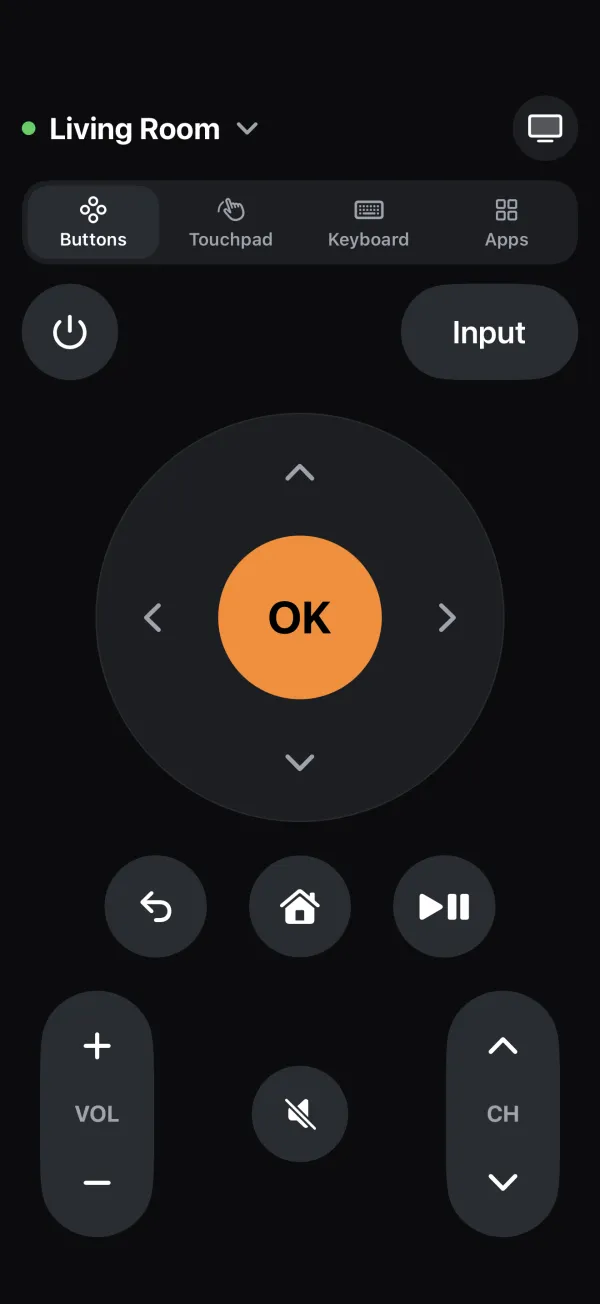 123
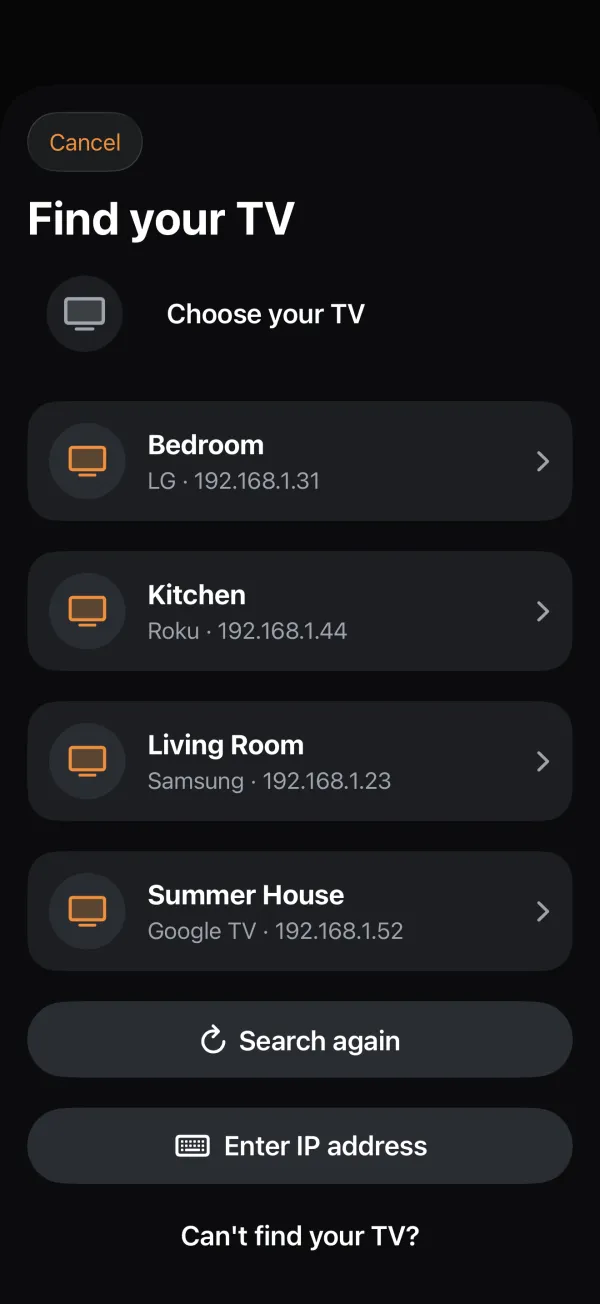 4
- 1Turn the TV on or off
- 2OK and the arrows, like on the remote
- 3Volume, mute and channels
- 4The TVs on your Wi-Fi, found automatically
The first time the app connects, the TV asks on screen whether to allow it. If the remote is dead and your TV has a joystick button, use it to answer: push to move, press to choose. Your iPhone can't find the TV? See LG TV not found.
Download on the App Store